How to Create a WhatsApp Plus Channel: Easy Guide 2026
Learn how to create a WhatsApp Plus channel step by step. Discover setup tips, benefits and ways to grow your channel quickly and easily.
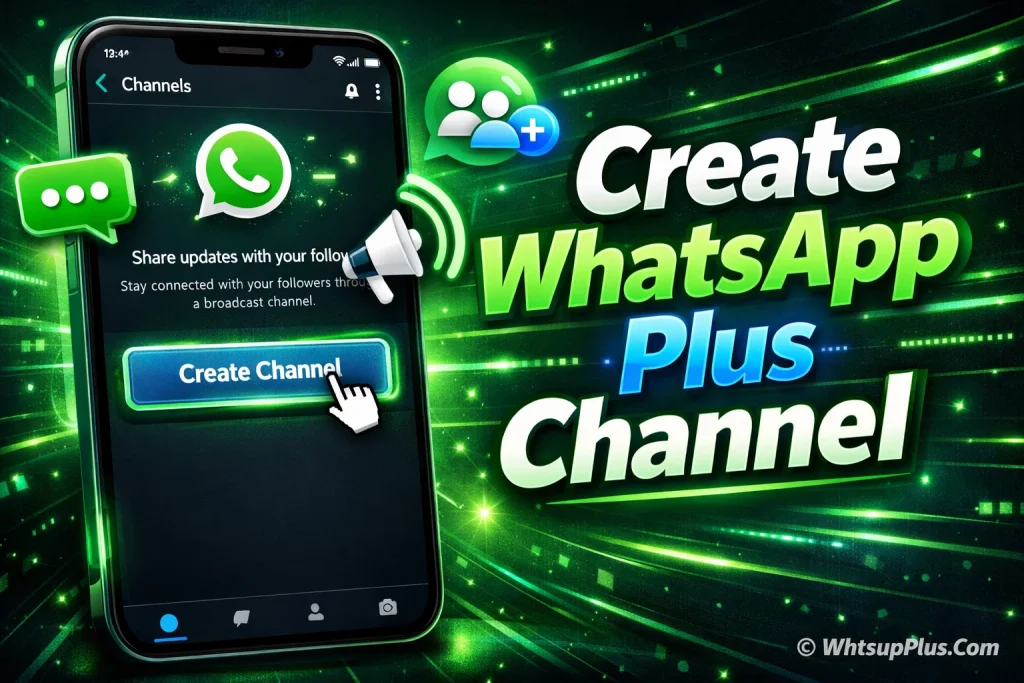
Creating a broadcast space where you can share updates with many people at once has become easier with WhatsApp Plus Channels. If you’re someone who wants to build a community, share news or promote content, learning how to create a channel on WhatsApp Plus can be very useful. Unlike normal chats or groups, a WhatsApp Plus channel allows you to send updates to followers without cluttering conversations. In this guide, you’ll discover the steps to create a WhatsApp Plus channel, along with tips to manage and grow it effectively.
See More Features:
What Is a WhatsApp Plus Channel?
A WhatsApp Plus Channel is a one-to-many broadcasting feature where creators, businesses or communities can share updates with a large audience in a simple and organized way. Similar to the official WhatsApp Channels, it allows admins to post messages, images or updates while followers can only view the content without replying, which keeps the feed clean and focused. In WhatsApp Plus, this feature works as a dedicated space where users can publish announcements, news or promotions to all subscribers at once. That’s why many people use a WhatsApp Plus broadcast channel to grow an audience, share regular updates and manage communication more efficiently than traditional groups or chats.
Requirements to Create a Channel on WhatsApp Plus
Before you create a WhatsApp Plus Channel, make sure your device and app meet the basic requirements below. These ensure the channel creation feature in WhatsApp Plus works smoothly without errors.
| Requirement | Details |
|---|---|
| Latest Version of WhatsApp Plus | Install the latest WhatsApp Plus APK so the Channels feature is available and updated. |
| Active WhatsApp Account | You must have a verified phone number and an active WhatsApp Plus account. |
| Stable Internet Connection | A strong WiFi or mobile data connection is needed to create and manage your WhatsApp Plus channel. |
| Smartphone with Android OS | WhatsApp Plus mainly works on Android devices, so ensure your phone supports the app. |
| Storage Space Available | Your phone should have enough device storage to run the WhatsApp Plus application smoothly. |
How to Create a Channel on WhatsApp Plus (Step-by-Step)
Setting up a WhatsApp Plus Channel is simple and only takes a few minutes if you follow the right steps. Below is a clear process to help you create a channel on WhatsApp Plus and start sharing updates with your audience quickly.
Step 1: Open WhatsApp Plus on Your Device
- Open the WhatsApp Plus app on your smartphone.
- Make sure you are logged into your active WhatsApp Plus account.
- Check that your internet connection is stable so the channel feature loads properly.
Step 2: Go to the Updates or Channels Tab
- On the main screen, look for the Updates tab or Channels section.
- Tap on it to access the area where all WhatsApp Plus channels are managed.
- This section allows you to discover, follow or create channels easily.
Step 3: Tap the “Create Channel” Option
- Inside the Channels section, find the Create Channel button.
- Tap the option to start the WhatsApp Plus channel creation process.
- The app will guide you to the next screen where you can add your channel details.
Step 4: Add Channel Name, Description and Image
- Enter a clear Channel Name that represents your content or community.
- Write a short Channel Description so people understand what your WhatsApp Plus broadcast channel is about.
- Upload a profile image or logo to make your channel look professional and recognizable.
Step 5: Publish Your WhatsApp Plus Channel
- Review the information you added to your WhatsApp Plus channel profile.
- Tap the Publish or Create Channel option to make it live.
- Once published, you can start sharing updates, posts and announcements with your followers.
How to Customize Your WhatsApp Plus Channel
After creating your WhatsApp Plus Channel, customizing it helps make your channel look professional and easier for followers to recognize. Simple adjustments like updating the profile image or editing details can improve your WhatsApp Plus channel profile and make it more engaging.
Also See: Customize WhatsApp Plus Like a Pro Guide
Change Channel Profile Picture
- Open your WhatsApp Plus Channel and go to the channel profile section.
- Tap on the profile picture icon to update or change the image.
- Upload a clear channel logo or profile photo that represents your WhatsApp Plus broadcast channel.
- Save the changes so followers can easily recognize your channel brand or identity.
Edit Description
- Go to the channel info or channel settings page in WhatsApp Plus.
- Tap on the channel description field to update the text.
- Write a short and clear channel description explaining what your WhatsApp Plus channel is about.
- Save the updated description so new followers quickly understand your channel content or updates.
Manage Channel Settings
- Open the channel settings option inside your WhatsApp Plus channel dashboard.
- Adjust important channel management settings such as notifications or privacy options.
- Review your channel details and preferences to keep everything organized.
- Save your settings to maintain better control over your WhatsApp Plus channel management.
How to Share and Grow Your WhatsApp Plus Channel
Creating a WhatsApp Plus Channel is just the first step growing it requires consistent sharing and smart promotion. When you actively share your WhatsApp Plus channel updates and invite the right audience, it becomes much easier to build an engaged community.
Share Channel Link
Sharing your WhatsApp Plus channel link is the quickest way to help people discover and follow your channel. Simply copy the channel invite link and send it through chats, groups or messaging platforms so users can join your WhatsApp Plus broadcast channel with one tap.
Invite Followers
You can directly invite friends, contacts or community members who might be interested in your WhatsApp Plus channel content. By sending a personal invitation to follow your WhatsApp Plus channel, you build a more active and loyal audience from the start.
Promote on Social Media
Promoting your WhatsApp Plus Channel on platforms like Facebook, Instagram or Telegram can bring more visibility. Share your channel link, explain what kind of updates or content followers will receive and encourage people to join your growing WhatsApp Plus community.
Benefits of Creating a Channel on WhatsApp Plus
Creating a WhatsApp Plus Channel can be a smart way to share updates and build a direct connection with your audience. Whether you’re a creator, community admin or small business owner, a WhatsApp Plus broadcast channel helps you communicate information quickly and clearly.
- Easy One-to-Many Communication
With a WhatsApp Plus Channel, you can send updates to many followers at once without managing multiple chats. It keeps communication simple and organized. - Build and Grow an Audience
A well-managed WhatsApp Plus channel allows you to attract followers who are interested in your updates, news or content. Over time, it becomes a small but loyal online community. - Clean and Organized Updates
Unlike regular groups, a WhatsApp Plus broadcast channel focuses only on admin posts. This means followers receive important announcements and updates without unnecessary chat messages. - Better Content Sharing
You can easily share text updates, images and useful information through your WhatsApp Plus channel posts. This makes it a helpful tool for creators, bloggers or businesses. - Quick Promotion of Content or Services
If you run a website, blog or online project, a WhatsApp Plus Channel helps you promote new posts, offers or announcements directly to your audience. - Stronger Audience Engagement
When followers regularly receive helpful WhatsApp Plus updates, they’re more likely to stay connected with your content and trust your channel.
Is Creating a Channel on WhatsApp Plus Safe?
Creating a WhatsApp Plus Channel can work smoothly, but it’s important to understand that WhatsApp Plus is a modified version of WhatsApp and is not officially supported by the original WhatsApp application. Because it’s a third-party WhatsApp mod, there can be potential risks such as temporary account restrictions or security concerns if the app is downloaded from an unreliable source. To stay safer while using WhatsApp Plus channels, always install the latest WhatsApp Plus APK from a trusted website and avoid sharing sensitive information through your WhatsApp Plus broadcast channel. When used carefully, many users still manage their WhatsApp Plus channels without issues, but understanding these limitations helps you make a more informed choice.
Related Blog: Is WhatsApp Plus Safe? Risks, Features & Secrets
Conclusion
Creating a WhatsApp Plus Channel is a simple way to share updates, build an audience and communicate with followers in a clean organized space. In this guide, we covered how to create a WhatsApp Plus channel, customize it, share it and grow your WhatsApp Plus broadcast channel effectively. For users, it’s a practical tool, quick updates, easy promotion and better community connection in daily digital life. If you want to explore More Helpful Guide, Comparison and Troubleshooting Tips then don’t forget to bookmark it on our site. Have questions or a tip to share? Drop a comment, share the article with others or reach out to our support team if anything feels unclear we’re here to help.
See More Guides: