WhatsApp Plus for iOS: Features, Risks & Alternatives
Discover WhatsApp Plus for iOS—features, risks, and safe alternatives for iPhone users. Stay informed and secure!
If you’ve ever wondered whether WhatsApp Plus APK for iOS is worth your attention, you’re not alone—millions of iPhone users are curious about this popular modified app. I understand the confusion, especially when every blog online seems to give mixed answers. Here, you’ll get a clear, honest breakdown backed by experience and real-world usage. My goal is simple: to help you make a safe, informed choice without wasting time on misleading claims.
As a user-focused guide, this article will walk you through what’s real, what’s risky, and what alternatives actually make sense for iPhone users. You’ll also discover how WhatsApp Plus features, iOS compatibility, and third-party app risks truly work behind the scenes.
What Is WhatsApp Plus?
WhatsApp Plus is an unofficial, modified version of the original WhatsApp, designed to offer extra customization and features you won’t find in the standard app. Many users are drawn to it because of its advanced privacy options, themes, and interface tweaks, which give more control over how the app looks and behaves. But here’s the important part—since it’s not an official release, it doesn’t come from Meta, which means iOS users should understand the security risks and authenticity concerns before considering any third-party download. Knowing what this mod really offers helps you avoid confusion and make smarter choices about your messaging apps.
Is WhatsApp Plus Available for iOS?
When it comes to WhatsApp Plus for iOS, the reality is simple—there’s no official version available for iPhone users. Unlike Android, iOS has strict security walls that prevent apps with modified features, unverified code, or third-party tweaks from being installed. So if you’ve seen websites claiming to offer a downloadable iOS version, it’s important to know those links aren’t authentic and can expose your device to unnecessary risks.
Why WhatsApp Plus Isn’t on the App Store
Apple’s App Store only allows apps that meet strict guidelines for safety, privacy, and data protection. WhatsApp Plus doesn’t meet these standards because it’s a modded app, not an official product from Meta. Since it uses altered code and bypasses the original app’s policies, Apple simply won’t approve it. That’s why you’ll never find a legitimate WhatsApp Plus iOS download in the official store, no matter what online sources claim.
Risks Associated With Third-Party iOS Apps
Installing apps from outside the App Store can open the door to serious issues like malware, data theft, or account bans, especially with modded apps such as WhatsApp Plus. These third-party IPAs often require you to disable core iPhone security settings, which puts your personal info at risk. Even worse, you could lose access to your WhatsApp account if Meta detects suspicious activity on unauthorized apps. In short, the risks outweigh the benefits.
How to Install WhatsApp Plus on an iPhone?
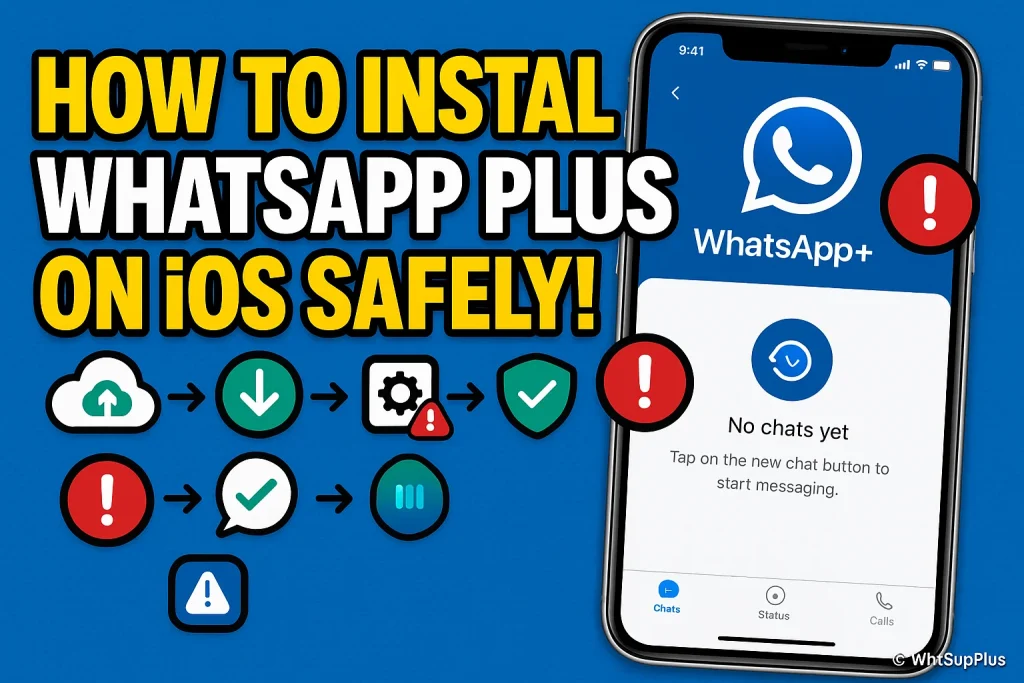
Before we start, it’s important to note that WhatsApp Plus for iOS is not officially supported, and installing it involves risks like data loss, security vulnerabilities, and account suspension. If you still want to explore, here’s a careful, step-by-step guide:
Step 1: Backup Your Official WhatsApp Data
- Open your regular WhatsApp and go to Settings → Chats → Chat Backup.
- Tap Back Up Now to save your messages to iCloud.
- This ensures your chat history isn’t lost if anything goes wrong during installation.
Step 2: Download a Trusted Third-Party IPA Installer
- Search for a reliable iOS app installer like Cydia Impactor or AltStore.
- Avoid random websites; only use sources known for iOS app sideloading.
Step 3: Get the WhatsApp Plus IPA File
- Find a WhatsApp Plus IPA compatible with your iOS version.
- Make sure it’s from a trusted source, as unofficial files can contain malware.
Step 4: Sideload the App Using the Installer
- Connect your iPhone to your computer.
- Open AltStore or Cydia Impactor and select the IPA file.
- Follow on-screen prompts to install it. This process is called sideloading, as it bypasses the App Store.
Step 5: Trust the App on Your Device
- Go to Settings → General → Device Management.
- Find the developer profile for the IPA and tap Trust.
- This allows the iPhone to run the WhatsApp Plus app.
Step 6: Restore Your Chats
- Open WhatsApp Plus and verify your phone number.
- Choose Restore Chat Backup to bring back your previous messages.
Installing WhatsApp Plus on iPhone is possible, but it comes with significant risks, so make sure you weigh them before proceeding. Following these steps carefully ensures you avoid common pitfalls like app crashes or security issues.
Best Legal Alternatives for iOS Users
If you’re looking for the extra features of WhatsApp Plus but want to stay safe on your iPhone, there are several legal alternatives that offer enhanced functionality without risking your privacy or account security. These apps provide options like custom themes, advanced privacy controls, and business tools, all within Apple’s secure ecosystem. Choosing official or trusted apps ensures you get a smooth experience while keeping your data protected.
Here are some of the best legal alternatives for iOS users:
- WhatsApp Business
Perfect for managing personal and professional chats with labels, auto-replies, and catalog features. - Telegram
Offers customizable themes, secret chats, and large group management, ideal for power users. - Signal
Known for top-notch privacy, encrypted calls, and self-destructing messages. - Viber
Provides sticker packs, video calls, and group chats in a secure environment. - LINE
Offers themes, stickers, and fun chat customization options legally on iOS.
These alternatives give you many of the enhanced features people seek in modded apps like WhatsApp Plus, while keeping your iPhone safe and compliant with App Store rules.
Is It Safe to Use WhatsApp Plus on iOS?
Using WhatsApp Plus on iOS might sound tempting because of its extra features and customization options, but safety should be your top priority. Since it’s a modded app not approved by Apple or Meta, there are several risks involved that can affect your privacy, data security, and account status. Understanding these issues helps you make an informed choice instead of jumping in blindly.
For deep analysis read blog Is WhatsApp Plus Safe? Risks, Features & Secrets
Privacy Risks
When you use WhatsApp Plus, your personal messages and media may be exposed to unauthorized access because the app isn’t officially encrypted like the standard WhatsApp. Hackers or malicious scripts could potentially view your chats, contacts, or call logs, making privacy a major concern.
Data Security Issues
Since the app isn’t vetted by Apple, installing it can introduce malware or spyware to your iPhone. Unlike official apps, there’s no guarantee that sensitive information such as passwords or media files is safely stored, putting your entire device at risk.
Account Ban Possibilities
Meta actively discourages the use of modded WhatsApp apps. If they detect activity from WhatsApp Plus, your account could be temporarily or permanently banned, meaning you could lose access to all your chats and contacts. Even using it carefully doesn’t guarantee immunity.
Pros and Cons of WhatsApp Plus on iOS
Pros
- Custom Themes and Interface: Lets you personalize your chat layout, fonts, and colors for a unique look.
- Advanced Privacy Options: You can hide last seen, read receipts, or typing status more flexibly than official WhatsApp.
- Media Sharing Enhancements: Share larger files, images, and videos without compression limits.
- Extra Emojis and Stickers: Access to a wider range of stickers, emojis, and GIFs to make conversations fun.
- Multiple Account Management: Some versions allow running two accounts on the same device, handy for personal and business use.
Cons
- Security Risks: Using an unofficial app can expose your iPhone to malware or spyware.
- Account Ban Possibility: Meta may temporarily or permanently ban your WhatsApp account if detected.
- No Official Support; Issues or bugs won’t be fixed by WhatsApp or Apple, leaving you on your own.
- Unreliable Updates: Since it’s a mod, updates may be irregular or unsafe, which can cause app crashes.
- Privacy Concerns: Your messages and personal data aren’t guaranteed to be fully encrypted or protected.
FAQs
Final Verdict
After exploring everything about WhatsApp Plus for iOS, it’s clear that while the app offers exciting customization, extra privacy controls, and enhanced media sharing, it comes with significant risks. iPhone users face potential account bans, security threats, and privacy vulnerabilities, and there’s no official support or App Store approval. For most users, understanding these trade-offs is crucial before even considering installation. Legal alternatives like WhatsApp Business, Telegram, or Signal provide many benefits safely and reliably.
Ultimately, using WhatsApp Plus on iOS is a personal choice, but it’s wise to stay cautious. If you’re unsure or want safer options, check out our website WhtsupPlus for trusted guides and tips. Feel free to comment, share your experiences, or reach out to our support team for help. Your safety and informed decisions come first, and we’re here to make sure you have the facts before taking any steps.