Customize WhatsApp Plus Like a Pro Guide
Learn how to customize WhatsApp Plus with themes, privacy tweaks, and advanced settings. Safe, easy, and step by step guide.
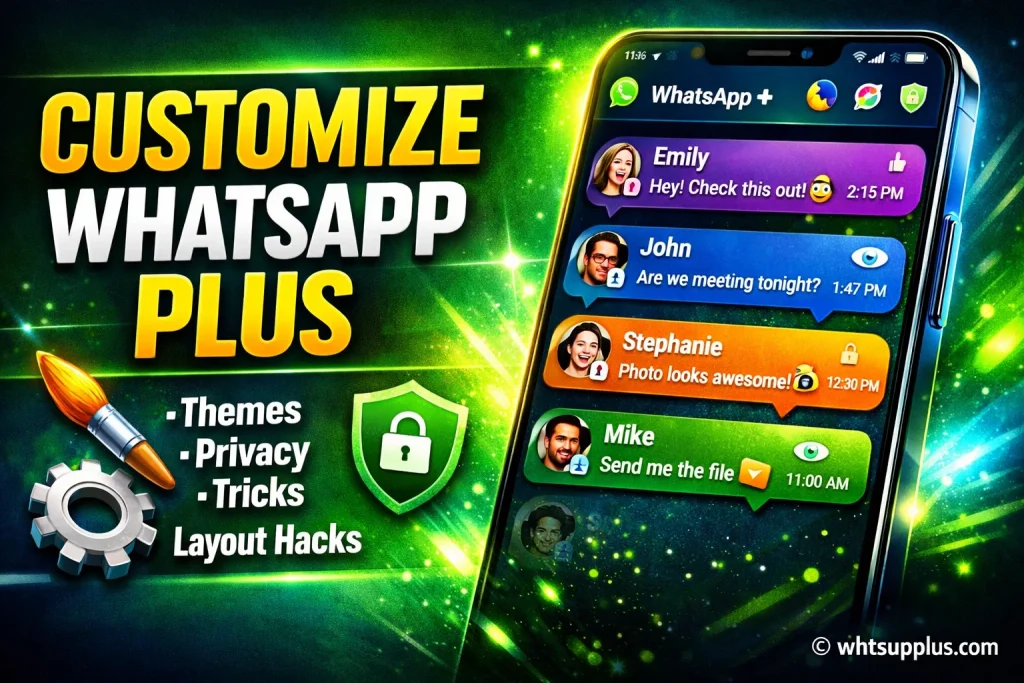
Want your messaging app to look completely different from everyone else’s? With WhatsApp Plus customization, you can redesign your chat interface, control privacy settings, and unlock advanced theme options that the official app simply doesn’t offer. It’s not just about colors, it’s about control.
I’ve tested multiple WhatsApp mods and explored dozens of customization features, and I understand how overwhelming the settings can feel at first. Many users install WhatsApp Plus APK but never fully use its powerful tools. That’s where proper guidance makes all the difference.
In this complete guide, you’ll learn how to customize WhatsApp Plus safely, adjust themes, chat layouts, privacy controls, and media settings step by step. Everything is explained in simple English, based on hands on experience, and aligned with practical usage so you can personalize your app without risking your data.
For More Guide See:
What Is WhatsApp Plus
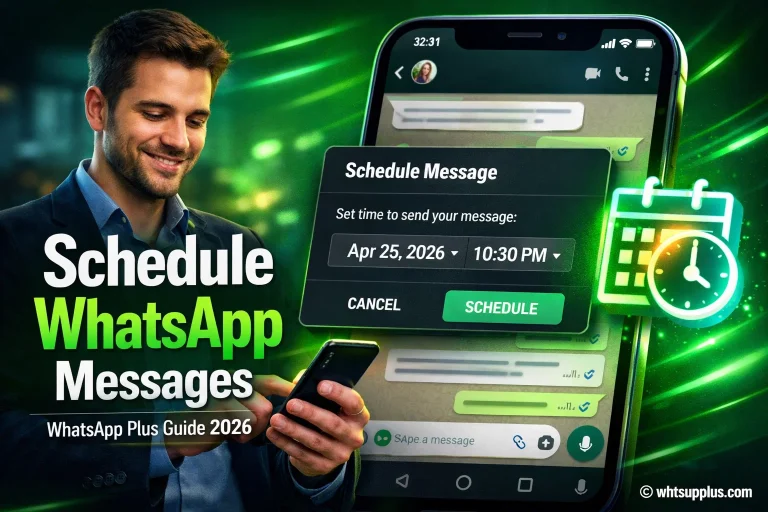
WhatsApp Plus is a modified version of the official WhatsApp Messenger that offers advanced customization features, extended privacy controls, and enhanced user interface settings. It allows users to change themes, fonts, icons, and even control message (hiding blue ticks, message scheduling or auto reply etc) visibility in ways the original app does not support.
Why Customize WhatsApp Plus
Customizing WhatsApp Plus APK helps you create a messaging experience that fits your personality and privacy needs. With flexible chat personalization options, advanced UI customization, and deeper privacy management, you can control how the app looks and how much others see about your activity.
Requirements Before Customizing WhatsApp Plus
Before adjusting any WhatsApp Plus settings, make sure you have the latest version installed, a complete chat backup, enabled Unknown Sources permission, stable internet connection, and enough device storage for themes and updates.
How to Access WhatsApp Plus Settings
- Open WhatsApp Plus APK on your Android device
- Tap the three dot menu in the top right corner
- Select Plus Settings
- Explore Themes, Privacy Controls, and Universal Settings
- Review options carefully before applying any UI customization changes
How to Change Themes in WhatsApp Plus
- Go to Plus Settings
- Tap on Themes
- Browse built in or downloadable WhatsApp Plus themes
- Preview chat colors and layouts
- Apply the selected custom theme design
How to Customize Chat Screen
- Open Universal Settings inside Plus Settings
- Tap on Chat Screen customization
- Modify chat bubbles, tick styles, and font options
- Change background wallpaper
- Save changes to update your custom chat interface
How to Customize Privacy Settings
- Go to Privacy and Security under Plus Settings
- Enable Hide Online Status
- Turn on Freeze Last Seen
- Disable Blue Ticks and Second Ticks
- Adjust additional advanced privacy controls as needed
How to Customize Home Screen Layout
- Open Home Screen settings in Plus Settings
- Change header style and notification appearance
- Adjust icon colors and layout structure
- Save settings to apply new WhatsApp interface design
How to Increase Media Sharing Limits
- Go to Media Sharing Settings
- Increase file size limit for videos and images
- Enable high quality image compression control
- Save changes for enhanced media sharing experience
How to Backup and Restore Custom Settings
- Open Plus Settings
- Tap on Backup and Restore
- Create a backup of your custom WhatsApp settings
- Restore anytime after reinstalling the app
Features of WhatsApp Plus
Advanced Theme Customization That Truly Transforms the App
One of the most impressive aspects of WhatsApp Plus customization is its deep theme personalization system. I have tested multiple messaging mods, and very few provide this level of control over colors, chat bubbles, fonts, and overall layout. You are not limited to simple wallpapers. You can redesign the entire user interface, adjust header styles, and even tweak icon shapes. For users who love visual control, this feature feels empowering. It turns a basic messaging tool into a fully customized communication space that reflects your personality and preferences.
Powerful Privacy Controls for Complete Messaging Freedom
The advanced privacy settings in WhatsApp Plus are another reason many users switch from the official app. From hiding your online status to freezing your last seen timestamp, the flexibility is impressive. In my experience, these controls give users more confidence while chatting because they decide what others can see. Disabling blue ticks and delivery reports also adds a layer of comfort. For privacy conscious users, these features create a more secure and relaxed messaging environment without complicated steps.
Flexible Media Sharing Without Usual Restrictions
Another strong feature is the improved media sharing limits. Unlike the standard app, WhatsApp Plus APK allows larger video uploads and better image quality control. This makes a big difference for users who frequently share high resolution photos or long clips. I have seen users appreciate how it reduces compression and maintains clarity. For content creators or active group members, this expanded file sharing capability enhances daily communication without frustration.
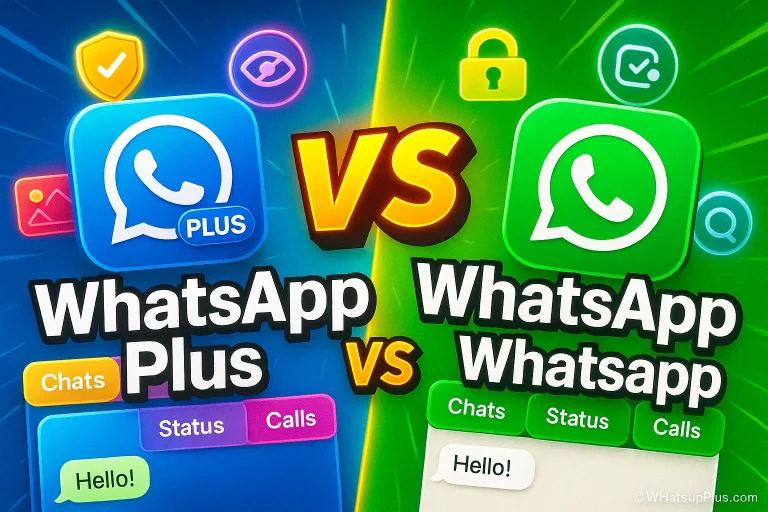
WhatsApp and WhatsApp Plus Feature Comparison
| Feature | WhatsApp Plus | |
|---|---|---|
| Custom Themes | No | Yes |
| Chat Bubble Customization | No | Yes |
| Hide Online Status | Limited | Yes |
| Freeze Last Seen | No | Yes |
| Disable Blue Ticks | Limited | Yes |
| Disable Second Ticks | No | Yes |
| Change Fonts | No | Yes |
| Header Style Customization | No | Yes |
| Icon Color Change | No | Yes |
| Extended Media Limit | No | Yes |
| High Quality Image Control | No | Yes |
| Built in Theme Store | No | Yes |
| Notification Style Edit | No | Yes |
| Layout Customization | Limited | Yes |
| Advanced Privacy Options | Limited | Yes |
| Backup Custom Settings | No | Yes |
| Status Download Option | No | Yes |
| Anti Delete Messages | No | Yes |
| Anti Delete Status | No | Yes |
| Custom Tick Styles | No | Yes |
Read Also: WhatsApp Plus vs Official WhatsApp: Key Difference
Common Issues and Fixes
If themes don’t apply, restart the app. If settings reset, check app permissions. Always update to the latest WhatsApp Plus version to avoid bugs in customization features.
Safety Tips While Using WhatsApp Plus
Avoid unknown sources. Always backup chats. Use updated versions. While WhatsApp Plus APK offers powerful privacy customization, it is still a modified app, so careful usage is important.
Frequently Asked Questions
Final Thoughts
Customizing WhatsApp Plus gives you full control over design, privacy, and media sharing. From changing themes to adjusting advanced visibility settings, the app offers flexibility that many users appreciate. It turns a simple messenger into a personalized communication hub.
That said, it is still a modified version of WhatsApp. It offers powerful features, but users should stay cautious, keep backups, and use updated versions. Smart usage matters.
If you found this guide helpful, feel free to share it with others who want better WhatsApp customization options. Have questions or facing issues? Drop a comment or reach out to the support team for clear guidance.
For PC & iOS: