How to Add Stickers in WhatsApp Plus: Full Guide 2026
Learn how to add, create and manage WhatsApp Plus stickers like a pro with easy steps, tips and troubleshooting guide.
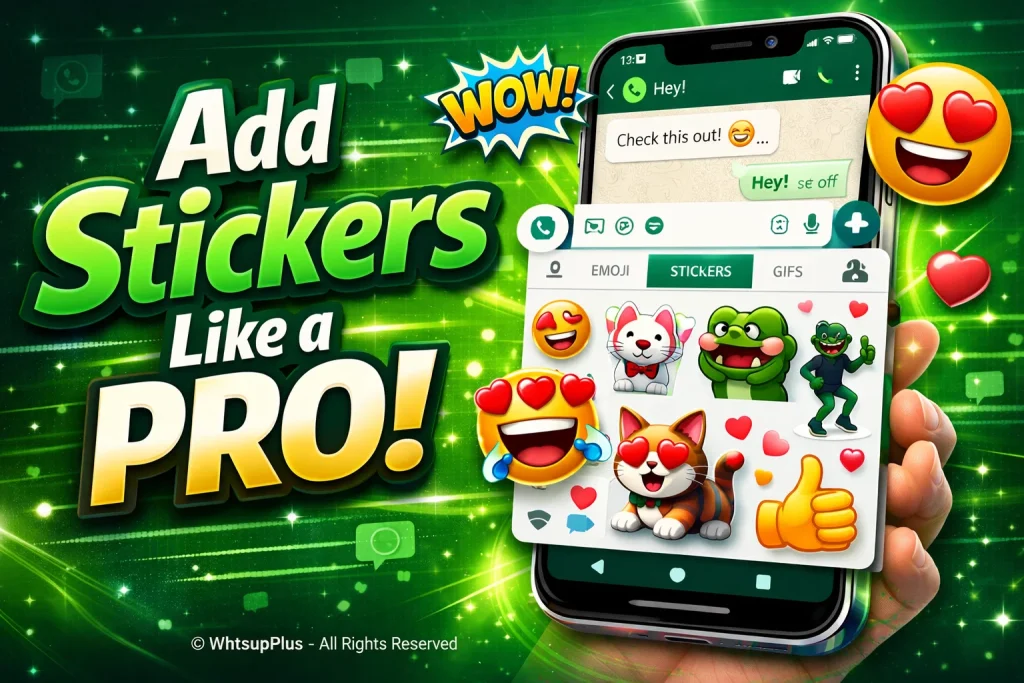
Ever wondered how to add stickers in WhatsApp Plus APK 2026 or create your own custom sticker packs like a pro? Many users struggle with finding easy ways to use WhatsApp Plus stickers without confusion or errors. The good news is, adding and managing stickers is simple once you know the right steps. In this guide, you’ll quickly learn how to use third-party stickers and personalize your chats for a more fun experience.
For More Feature Explorer:
Types of Stickers You Can Use in WhatsApp Plus
Built-in Sticker Packs
Built-in sticker packs in WhatsApp Plus are already available inside the app. They include basic emojis, reactions and fun visuals that you can use instantly. No extra download is needed, making them perfect for beginners.
Third-Party Sticker Packs
With third-party sticker apps for WhatsApp Plus, you can access thousands of creative and trending designs. These packs include memes, exclusive themes and expressive stickers that make your chats more lively and entertaining.
Custom Stickers from Your Gallery
You can also create custom WhatsbApp stickers using your personal photos. This feature helps you design unique stickers for friends, reactions or branding. It adds a personal touch to every conversation.
How to Add Stickers in WhatsApp Plus (Step-by-Step Guide)
Adding stickers in WhatsApp Plus is simple once you know the right method. Here are three easy ways to do it:
Method 1: Adding Stickers from Built-in Library
- Open WhatsApp Plus and go to any chat
- Tap the emoji icon and open the sticker section
- Click the “+” button to explore built-in sticker packs
- Download your favorite packs and start using them instantly
Method 2: Importing Stickers from External Apps
- Install a trusted sticker app for WhatsApp Plus
- Open the app and choose your favorite third-party stickers
- Tap “Add to WhatsApp” and confirm import
- Check WhatsApp Plus to access your new stickers
Method 3: Creating and Adding Your Own Stickers
- Download a sticker maker app
- Upload images from your gallery
- Edit and save them as custom sticker packs
- Tap “Add to WhatsApp Plus” to use them in chats
Best Apps for Downloading WhatsApp Plus Stickers
Finding the right WhatsApp sticker apps can instantly upgrade your chat experience with fun, trending and creative WhatsApp Plus stickers. These apps make it easy to explore, download and even create your own custom sticker packs without any hassle.
Here are some popular and trusted apps you can try for downloading stickers:
- Sticker.ly
- Wemoji
- Sticker Maker Studio
- Personal Stickers for WhatsApp
- Top Stickers for WhatsApp
For WhatsApp Plus Alternative See: Best WhatsApp Plus Alternatives 2026
How to Organize and Manage Your Stickers
- Open WhatsApp Plus and go to the sticker section
- Tap the “+” icon to view all sticker packs
- Delete unused WhatsApp stickers to keep things clean
- Arrange your favorite sticker packs for WhatsApp Plus for quick access
- Regularly update WhatsApp Plus sticker library for new designs
- Organize custom stickers with clear categories for easy use
Is It Safe to Use Stickers in WhatsApp Plus?
Using stickers in WhatsApp Plus can be safe, but it depends on how you use the app. Since WhatsApp Plus is a modified app, it doesn’t have official security support, which can raise privacy and data safety concerns. If you download third-party sticker packs from trusted sources and avoid unknown apps, the risk is lower. Still, for better security, always stay cautious and understand the risks before using WhatsApp Plus features.
Also See: Is WhatsApp Plus Safe? Risks, Features & Secrets
Pro Tips to Use Stickers Like an Expert
- Use WhatsApp Plus stickers that match your mood for better expression
- Combine stickers, emojis and GIFs for more engaging chats
- Keep your favorite sticker packs for WhatsApp Plus at the top
- Create custom stickers from your photos for a personal touch
- Avoid overusing stickers to keep conversations meaningful
- Explore trending sticker packs for fresh content
- Use HD-quality stickers for better visual appeal
Conclusion
In this guide, we covered everything about how to add stickers in WhatsApp Plus, including built-in packs, third-party sticker apps and custom sticker creation. Overall, stickers can greatly improve your chat experience by making conversations more fun, expressive and personal. If you still have confusion, feel free to ask questions, share feedback or seek support for help anytime. We also discussed comparisons of WhatsApp Plus types, a complete usage guides and troubleshooting tips so you can use WhatsApp Plus without any issues and enjoy a smoother messaging experience.
For Guides: